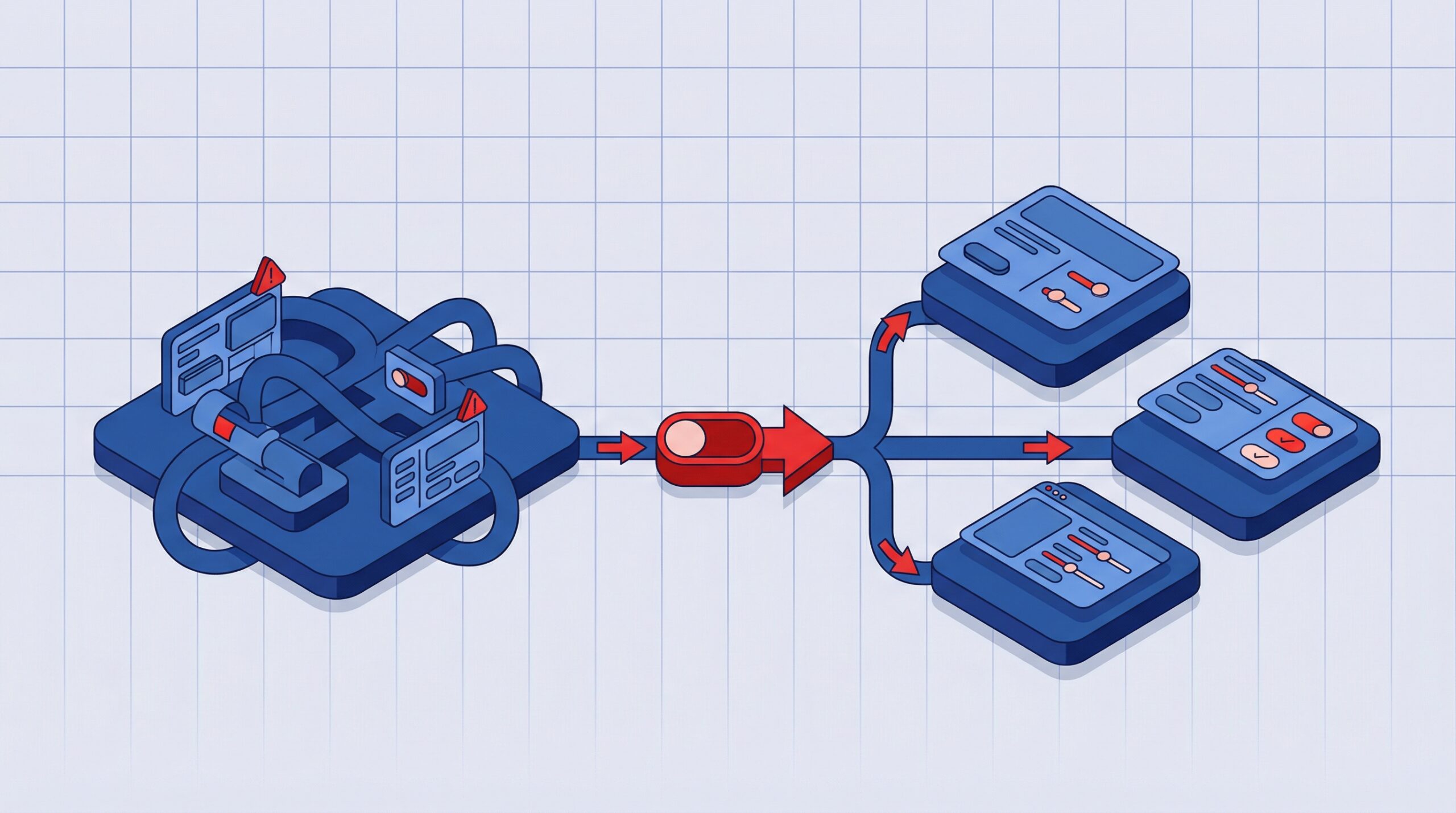
UI/UX Design Best Practices for Enterprise Software in 2026
Enterprise software succeeds or fails based on how well it supports real work. As platforms grow more complex, UI UX design becomes a strategic capability rather than a visual exercise. Poor enterprise UX increases errors, slows adoption, and drives long-term operational cost. Strong UX enables scale, productivity, and sustained user confidence. According to a Forrester Total Economic Impact (TEI) study, enterprises investing in improved usability and digital experience achieved measurable productivity gains and an overall 415% return on investment over three years, underscoring the business value of UX in complex software systems.
This guide outlines proven UI UX design best practices for enterprise software, focusing on usability, multi-role design, accessibility, cognitive load reduction, and UX measurement.
What Makes UI UX Design Different for Enterprise Software
UI UX design for enterprise software operates under conditions that differ fundamentally from consumer products. Enterprise systems support complex workflows, long usage sessions, high data density, and users with varying expertise levels. These platforms are often mission critical, where mistakes carry financial, operational, or compliance risk.
Unlike consumer UX, enterprise UX must prioritize:
- Task efficiency over visual novelty
- Learnability over immediate delight
- Consistency over experimentation
Enterprise UX design is not about simplifying work unrealistically. It is about making complexity manageable, predictable, and reliable at scale.
Core Enterprise UX Design Principles
Enterprise UX design principles provide stability as systems evolve. Because enterprise products grow over years and span multiple modules, strong principles prevent usability erosion over time.
Foundational Enterprise UX Principles
Task clarity
Each screen should communicate its purpose immediately. Users must understand what actions are available and what outcome to expect. Clear intent reduces hesitation and task abandonment.
Progressive disclosure
Enterprise systems contain advanced functionality that only some users need. Progressive disclosure reveals complexity only when required, supporting both new and experienced users without overwhelming either group.
Consistency across modules
Navigation, layout patterns, terminology, and interaction behaviors should remain consistent across the platform. Consistency reduces relearning and speeds up cross-functional collaboration.
Error prevention and recovery
Interfaces should guide users toward correct actions through constraints, defaults, and validation. When errors occur, recovery should be clear and contextual rather than disruptive.
These principles create enterprise systems that remain usable as functionality expands.
Read – UX Challenges in Enterprise Software and How Organizations Can Address Them
Designing for Multiple User Roles and Permissions
Enterprise software rarely serves a single user persona. Most systems support administrators, managers, operators, analysts, and external stakeholders, each with different goals and permissions.
Designing the same interface for all users increases cognitive load and slows task execution.
Best Practices for Multi Role Enterprise UX
Role-specific dashboards
Dashboards should surface information and actions aligned with the user’s primary responsibilities. Leaders need high-level insights, while operators need task-driven views.
Permission-aware interfaces
UI elements should adapt dynamically based on access rights. Hiding irrelevant features reduces confusion and prevents accidental misuse.
Shared interaction patterns
While views may differ, shared actions should behave consistently across roles. Consistency supports collaboration and cross-role handoffs.
Scalable role architecture
Enterprise organizations evolve frequently. UX design should support new roles and permission sets without requiring major redesigns.
Multi-role design is a foundational requirement in enterprise UX, not an advanced feature.
Usability Best Practices for Complex Enterprise Systems
Usability determines whether enterprise software accelerates work or becomes an obstacle. Because enterprise users interact with systems for extended periods, small usability issues compound into significant productivity loss.
Strong usability design improves task speed, accuracy, and user confidence.
Practical Enterprise Usability Strategies
Clear information hierarchy
Dense interfaces must prioritize critical data visually. Grouping, spacing, typography, and emphasis guide attention without overwhelming users.
Predictable interaction behavior
Common actions such as search, filtering, saving, and exporting should behave consistently across the platform. Predictability reduces errors and speeds up workflows.
Support for power users
Enterprise systems often include expert users who value efficiency. Keyboard shortcuts, bulk actions, and advanced filters enable faster task completion.
Contextual guidance
Inline help, tooltips, and guided actions reduce dependency on training and documentation, especially for infrequent or high-risk tasks.
Accessibility as a Business Requirement in Enterprise UX
Accessibility in enterprise UX is no longer optional. It directly affects procurement eligibility, legal compliance, and workforce inclusion. Many enterprises require WCAG conformance as part of vendor evaluation.
Accessible UX also improves usability for all users.
Enterprise Accessibility Best Practices
Visual accessibility for data-heavy screens
Adequate color contrast, readable typography, and scalable text ensure clarity across environments and devices.
Assistive technology compatibility
Screen reader support, semantic structure, and keyboard navigation are essential for accessibility and overall UX quality.
Clear focus and interaction states
Visible focus indicators help users navigate large interfaces efficiently and reduce errors during critical workflows.
Accessible forms and workflows
Forms should provide clear labels, logical tab order, and helpful error messaging to support accuracy and speed.
Reducing Cognitive Load in Enterprise UI Design
Enterprise users often operate under time pressure while managing large volumes of information. High cognitive load leads to mistakes, fatigue, and reduced adoption.
Reducing cognitive load improves performance and long-term usability.
Techniques to Reduce Cognitive Load
Logical grouping of information
Related data and actions should be grouped visually and structurally. This shortens decision time and improves comprehension.
Familiar terminology
Interfaces should reflect how users describe their work, not internal system language. Clear language reduces learning curves.
Visual restraint
Decorative elements should never compete with functional content. Clean layouts improve focus during long sessions.
Defaults and automation
Pre-filled values and automated steps reduce repetitive effort and prevent common errors.
Measuring UX Success in Enterprise Software
Enterprise UX success must be measured continuously. Because enterprise platforms evolve over time, UX evaluation should align with real operational outcomes.
Effective measurement combines quantitative data with qualitative insight. UX measurement enables proactive improvement rather than reactive redesign.
Key Enterprise UX Metrics
Task completion rate
Indicates whether users can successfully complete critical workflows.
Time to proficiency
Measures how quickly new users become productive.
Error frequency
Highlights friction points that introduce operational or compliance risk.
Feature adoption by role
Shows whether functionality delivers value to the intended users.
Usability-driven support volume
Declining usability-related tickets signal improving UX maturity.
Common Enterprise UX Mistakes to Avoid
- Designing for ideal users rather than real workflows
- Prioritizing aesthetics over operational clarity
- Ignoring accessibility until late development stages
- Treating enterprise UX as a one-time effort
- Measuring success only through engagement metrics
Avoiding these mistakes reduces adoption risk and long-term maintenance cost.
Final Thoughts
UI UX design best practices for enterprise software focus on clarity, usability, accessibility, and measurable outcomes. Well-designed enterprise UX enables organizations to scale operations, reduce errors, and maximize software investment.
As enterprise systems grow more complex, UX maturity becomes a competitive advantage rather than a design enhancement.
FAQs
1. What is enterprise UI UX design?
Enterprise UI UX design focuses on creating scalable, usable, and efficient interfaces for complex business software used by multiple roles. The goal is to support productivity, reduce cognitive load, and ensure consistency across large systems.
2. How is enterprise UX different from consumer UX?
Enterprise UX prioritizes productivity, accuracy, and consistency, while consumer UX often emphasizes engagement, delight, and emotional appeal. Enterprise users value speed, clarity, and reliability over novelty.
3. Why is usability critical in enterprise software?
Poor usability increases errors, training costs, and dependency on support teams. This directly impacts operational efficiency, employee satisfaction, and overall business performance.
4. How do you design UX for multiple enterprise roles?
Designing for multiple roles involves creating role-specific dashboards, permission-aware interfaces, and consistent interaction patterns. This ensures each user sees only what is relevant to their responsibilities.
5. What UX metrics matter most for enterprise products?
Key enterprise UX metrics include task completion rate, time to proficiency, error frequency, feature adoption, and usability-related support volume. These metrics directly reflect efficiency and business impact.
6. Is accessibility mandatory for enterprise software?
Yes. Accessibility is increasingly mandatory due to compliance requirements, procurement standards, and the need to support an inclusive workforce across diverse abilities.
More on Design

UX Design for Secure Healthcare SaaS