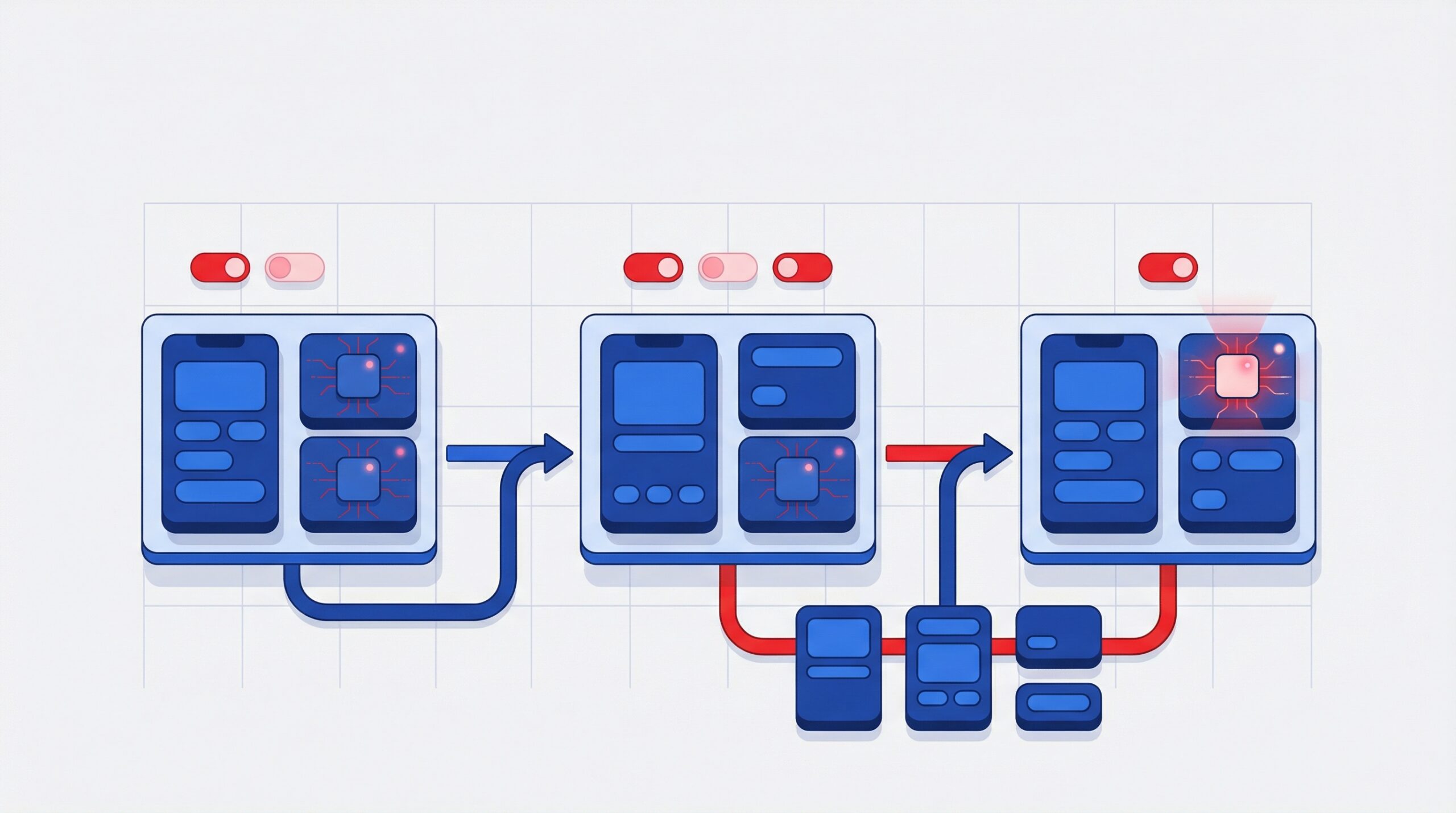
How to Reduce Errors in Web Apps

When users interact with your web application, every click, input, and response shapes their trust in your product. A single unhandled error, broken form, or confusing message can cause frustration – and in business-critical applications, that can mean lost users or revenue.
Building web apps that run smoothly isn’t just about writing good code; it’s about creating an experience that works even when things don’t go as planned. Errors will happen, but what matters is how easily your app bounces back. A clear message, a quick fix, or a simple retry can make all the difference. Here’s how to minimize those hiccups, keep performance steady, and give users a seamless, frustration-free experience.
1. Common Pitfalls in Web App Validation
Most application errors start with poor form handling and weak data validation. Whether it’s missing input checks or inconsistent error messages, small oversights can cause major usability gaps.
Common validation issues include:
- Missing input constraints or regex checks.
- Relying only on client-side validation.
- Overly strict rules that block legitimate data.
- Confusing or inconsistent error messages.
To prevent this, build a strong validation strategy. Use both client-side and server-side validation to balance convenience with security. This approach helps protect your backend while keeping the user experience smooth.
2. Client-Side vs. Server-Side Validation
Client-side validation (using JavaScript or frameworks like React) gives users instant feedback, reducing friction and improving usability. However, it can be bypassed, so server-side validation is equally important for protecting data integrity and security.
Best practices include:
- Perform lightweight validation on the client side for quick response.
- Use server-side checks as the final layer of logic and protection.
- Return clear, structured error messages in JSON or a standard format.
- Log every failed attempt for analytics and anomaly detection.
By combining both approaches, you get fast feedback without compromising reliability or security.
3. Error Logging & Monitoring Tools
Even with strong validation, runtime errors will still occur. What truly matters is how quickly your team spots and fixes them before users are affected.
A smart monitoring setup blends external tools with internal systems to keep your app stable and scalable. For example:
- Sentry – Tracks errors in real time and sends instant alerts for JavaScript and API-level issues.
- Winston + OpenSearch – Provides structured, searchable logs for deeper analysis.
- Console.log → CloudWatch – Scales from simple debugging to cloud-level monitoring.
- Email (Clavin) – Sends alerts for critical job failures or exceptions.
- CloudWatch – Tracks infrastructure health, latency, and performance metrics.
By using these tools together, teams can detect and fix issues long before they impact users.
4. UX-Friendly Error Handling
Errors are unavoidable, but poor communication doesn’t have to be. The way your app handles and explains issues shapes how users perceive your brand.
Follow these UX principles:
- Keep messages short, clear, and specific (for example, “Please enter a valid email address”).
- Use inline validation instead of post-submit popups.
- Offer recovery options, such as “Try Again” or “Contact Support.”
- Maintain a consistent tone and design for all messages.
When development and design teams align early, they can create validation that supports both clarity and accessibility.
5. Build a Culture of Testing and Iteration
Reducing errors isn’t a one-time fix – it’s an ongoing process. Automated testing and CI/CD pipelines help prevent regressions and catch bugs early.
Implement these best practices:
- Add unit and integration tests for all input flows.
- Run end-to-end tests for key user journeys (using Playwright or Cypress).
- Conduct load tests to find edge-case issues under stress.
- Schedule regular code reviews focused on validation and error handling.
With a data-driven feedback loop, your team can learn from real-world behavior and continuously improve.
Final Thoughts
Fixing errors in web apps isn’t a one-time job – it’s something that needs constant attention and teamwork between developers, designers, and testers. When you get the basics right – smart validation, real-time monitoring, and clear error messages – your app feels smoother, more reliable, and easier to trust.
At AcmeMinds, we build web apps that simply work – scalable, stable, and ready for real-world challenges. Explore our Web App Development Services and see how we make every click count.
FAQs
1. Why is proper validation important in web applications?
Proper validation prevents incorrect or malicious data from entering the system and improves user experience. It reduces form errors, protects backend logic, and ensures users receive clear feedback when something goes wrong.
2. What is the difference between client-side and server-side validation?
Client-side validation provides instant feedback to users using JavaScript or frontend frameworks, improving usability. Server-side validation acts as a security layer, ensuring data integrity and preventing bypassed or manipulated requests.
3. What are common validation mistakes in web apps?
Common mistakes include relying only on client-side checks, using unclear error messages, applying overly strict input rules, and failing to validate edge cases. These issues often lead to poor usability and increased error rates.
4. How should web applications handle errors for better user experience?
Web apps should display clear, user-friendly error messages, use inline validation, and offer recovery options like retry actions or support links. Consistent messaging helps users understand issues without frustration.
5. Which tools are best for error logging and monitoring in web apps?
Popular tools include Sentry for real-time error tracking, CloudWatch for performance and infrastructure monitoring, and logging stacks like Winston with OpenSearch. These tools help teams detect, analyze, and fix issues quickly.
6. How does testing help reduce errors in web applications?
Automated testing catches bugs early and prevents regressions. Unit tests, integration tests, and end-to-end testing ensure validation logic, error handling, and critical user flows remain stable as the app evolves.
More on Apps
Cross-Platform vs Native App Development for Enterprises