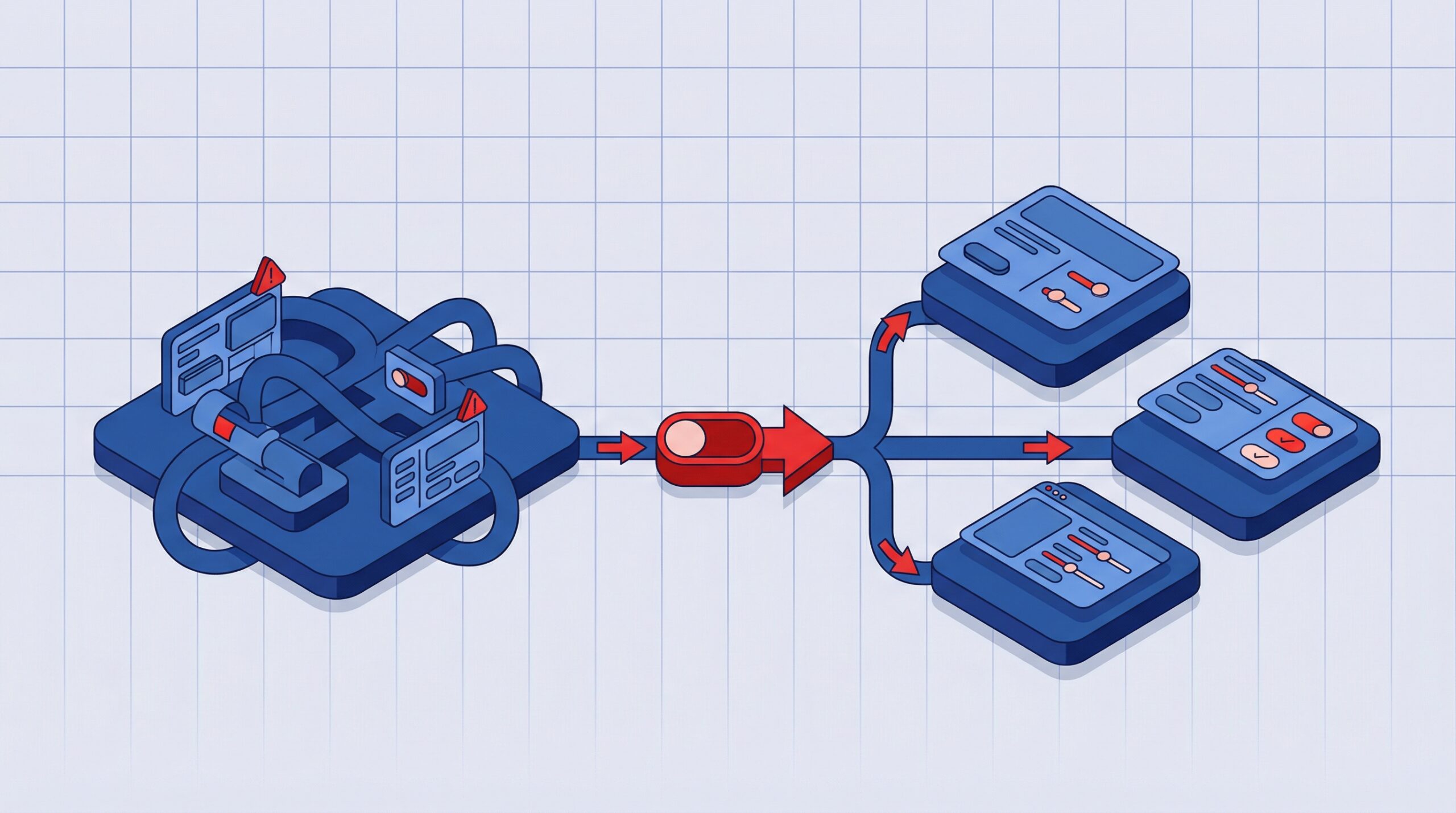
Generative AI for Rapid UI Prototyping

Modern digital products require faster iteration cycles, seamless user experiences, and scalable design systems. Traditional UI prototyping often requires extensive manual effort across design, product, and development teams.
Generative artificial intelligence is changing that workflow. By automating layout creation, interface suggestions, and even microcopy generation, generative AI tools allow teams to move from concept to interactive prototype in a fraction of the time.
For organizations building enterprise applications, SaaS platforms, or customer facing digital products, AI assisted prototyping is becoming an important part of the product design lifecycle.
According to a McKinsey Global Survey, organizations that adopt AI driven tools in product development report productivity improvements of 20 to 40 percent in design and engineering workflows.
This shift is why many design and engineering leaders are exploring how generative AI can support rapid UI prototyping without compromising usability or design quality.
What is Generative AI in UI and UX Design
Generative AI in user interface design refers to machine learning systems that generate interface elements, layouts, and content suggestions based on prompts, patterns, and design data.
Instead of designing every screen manually, designers can guide AI models to produce initial design structures that can be refined through iteration.
Core capabilities of generative AI in UX design
• Automated layout creation for common interface patterns
• Smart component recommendations based on use case
• Dynamic UI text and microcopy generation
• Rapid prototyping for mobile, web, and SaaS platforms
• Integration with design systems and component libraries
Generative AI does not replace designers or developers. It enhances productivity by handling repetitive design tasks so teams can focus on usability strategy, product thinking, and user research.
Read – Integrating AI Features in Modern Applications
Top Generative AI Tools for UI Prototyping
Modern design platforms are increasingly incorporating AI capabilities to accelerate UI prototyping and experimentation. These tools help teams move from concept to interactive layouts faster while maintaining collaboration and consistency.
Figma AI Ecosystem
Figma is one of the most widely used collaborative design platforms and now offers multiple AI powered plugins. Popular options include Magician AI for generating interface copy, icons, and placeholder content, Anima for converting layouts into production ready code, and Automator tools that create layout structures from prompts. These features allow design teams to quickly generate initial interface concepts while keeping workflows seamless.
AI Powered Prototyping Platforms
Emerging platforms focus entirely on AI driven design generation. Tools like Uizard transform sketches or prompts into working prototypes, Penpot AI provides open source AI design capabilities, and Framer AI can generate full landing page layouts from prompts. These platforms are particularly useful for early stage product ideation and rapid experimentation.
AI Design System Integrations
Many organizations integrate AI directly into internal design systems. This enables automated component generation, consistent UI patterns across product suites, and faster onboarding for both designers and developers. These integrations make AI outputs more reliable and scalable across larger product ecosystems.
AI Driven Layout and Component Generation
Automated layout creation is a key strength of generative AI. By analyzing design patterns from thousands of applications, AI can produce structured interface layouts that follow modern UX principles. These layouts provide designers with a strong foundation to refine and iterate quickly.
How AI Generates Layouts
AI tools consider essential design constraints such as the target device, interface hierarchy, user flow goals, and accessibility guidelines. This allows the system to generate usable layouts while ensuring inclusivity and clear navigation.
Benefits for Design Teams
Automated layout generation accelerates early prototyping and improves consistency across screens. It reduces repetitive manual work and enables rapid experimentation with multiple interface options. For developers, these structured layouts simplify handoff, making it easier to convert prototypes into production ready components.
AI Powered Copy and Microcopy Automation
User interface copy is often overlooked during early prototyping, yet microcopy plays a critical role in guiding user actions and improving usability. Elements such as button labels, onboarding instructions, and validation messages influence how users navigate a product. Generative AI tools help designers create contextual interface text quickly, allowing teams to test more realistic user experiences during the design phase.
Examples of AI Generated UI Copy
AI powered design tools can generate common interface text elements, including:
• Button labels and calls to action that guide key user actions
• Onboarding instructions that help users understand product features
• Form validation messages that provide feedback during data entry
• Navigation labels that improve content discoverability
• Product hints or descriptions within dashboards and applications
This capability enables teams to replace placeholder text with meaningful content while prototyping.
Multilingual Interface Generation
Many AI tools also support multilingual content generation. This allows product teams to prototype localized interfaces early, helping evaluate layout structure and readability across different languages before translation and development begin.
Design to Development Automation
One of the most persistent challenges in digital product development is the transition from design prototypes to engineering implementation. Traditionally, this handoff requires manual documentation, design interpretation, and repeated clarification between designers and developers.
Generative AI is helping streamline this process by transforming design artifacts into structured outputs that developers can more easily translate into production code. By aligning design systems with development frameworks, AI assisted tools reduce friction between design and engineering workflows.
Code Generation From Design
Several AI powered platforms now support automated conversion of UI components into development ready code structures. While these outputs often require refinement, they significantly reduce the time required to build interface foundations.
Common export formats include:
• React components for modern web applications
• HTML and CSS structures for responsive interfaces
• Flutter UI layouts for cross platform mobile development
• Design tokens and component libraries that synchronize design systems with development environments
Developer Handoff Improvements
AI assisted design systems also improve the clarity and completeness of design specifications shared with engineering teams.
These systems can automatically generate:
• Spacing and layout documentation that reflects exact component structure
• Component behavior descriptions including interaction states and transitions
• Responsive breakpoints for different device sizes
• Reusable UI modules aligned with existing component libraries
With clearer specifications and structured outputs, engineering teams can reduce interpretation errors and move from prototype to implementation more efficiently.
Best Practices for AI Assisted Prototyping
Generative AI can significantly accelerate UI prototyping by automating layout generation, interface suggestions, and content creation. However, the effectiveness of these tools depends on how they are integrated into the overall product design process. AI performs best when used within a structured workflow that combines automated outputs with human design expertise.
For design and engineering teams, the goal is not simply to generate prototypes faster, but to ensure that AI generated interfaces align with usability standards, product strategy, and technical implementation requirements.
Combine AI Output With Human Expertise
AI generated layouts should always be reviewed and refined by experienced designers and product teams. While AI can propose interface structures, it cannot fully evaluate the nuances of user behavior, product goals, or interaction complexity.
Designers should critically assess AI generated outputs across several dimensions:
• Usability and accessibility to ensure the interface supports intuitive navigation and meets accessibility standards such as WCAG guidelines
• Brand alignment so typography, color systems, and visual identity remain consistent with established brand guidelines
• Interaction logic to validate navigation flows, state changes, and component behavior across different user scenarios
• Product objectives to ensure the interface supports business goals, conversion pathways, and key user actions
Human oversight ensures that AI generated designs evolve from functional prototypes into meaningful user experiences.
Maintain Structured Design Systems
AI assisted prototyping becomes significantly more effective when connected to a well defined design system. Standardized component libraries provide the structure needed for AI generated outputs to remain consistent across multiple screens and product environments.
Organizations should ensure that their design systems include:
• Reusable design tokens covering color palettes, spacing scales, typography systems, and layout rules
• Documented UI patterns that define how components such as navigation, forms, and dashboards behave across products
• Accessibility compliance standards integrated directly into component libraries to support inclusive design
When AI tools generate layouts using these standardized components, teams can maintain visual consistency while accelerating design production.
Continue Iterative Testing and Validation
Even when generative AI speeds up the creation of prototypes, user validation remains essential. Rapidly generated designs must still be tested against real user behavior to ensure they solve the intended problem.
Product teams should validate AI generated prototypes through:
• User testing sessions to observe interaction behavior and identify usability friction points
• Product analytics and behavioral insights such as heatmaps, click tracking, and engagement metrics
• Iterative design refinement based on feedback from users, product managers, and engineering teams
By combining AI driven speed with continuous testing and iteration, organizations can create prototypes that evolve into reliable, scalable product experiences.
Limitations and Considerations of AI in Design
Generative AI is transforming UI prototyping by accelerating layout creation, component generation, and content suggestions. However, the technology is still evolving and cannot fully replace strategic design thinking or deep user experience expertise.
AI models rely on pattern recognition from existing design datasets. While this enables rapid interface generation, it also introduces certain technical and operational limitations. Product teams should therefore treat AI generated prototypes as starting points for iteration rather than finalized design solutions.
Understanding these constraints helps organizations integrate AI tools into design workflows while maintaining usability standards and product quality.
Current Technical Constraints
Despite its efficiency, AI generated design output may present several limitations that require manual refinement from designers and front end engineers.
Common challenges include:
- Generic interface patterns
AI models frequently reproduce widely used design templates such as card based layouts, dashboard grids, or standard navigation structures. While functional, these patterns may lack distinct visual identity and reduce product differentiation. - Inconsistent visual hierarchy
Automated layout suggestions may not always align with optimal information architecture. Designers often need to refine typography scale, spacing relationships, and interaction priorities to ensure clarity and usability. - Limited product context awareness
Generative models typically lack deep understanding of business logic, user flows, or domain specific requirements. As a result, the generated interface may not fully support complex product workflows. - Partial responsiveness across devices
Although AI tools can generate responsive layouts, they may overlook edge cases such as dynamic content scaling, adaptive navigation behavior, or complex mobile interactions.
Because of these constraints, human validation remains essential to ensure interface usability, performance, and brand consistency.
Ethical and Governance Considerations
As AI becomes integrated into product design workflows, organizations must also address responsible usage and governance practices.
Key considerations include:
- Avoiding biased design patterns
AI systems trained on existing digital interfaces may unintentionally replicate biased interaction patterns. Designers should evaluate outputs to ensure inclusive and equitable user experiences. - Ensuring accessibility compliance
AI generated interfaces do not always follow accessibility standards such as WCAG guidelines. Design teams should verify contrast ratios, semantic structure, and assistive technology compatibility. - Protecting proprietary design data
When using third party AI design tools, organizations must carefully review how design prompts and interface assets are processed and stored.
Organizations that establish clear AI governance policies within their design operations are better positioned to balance automation benefits with responsible digital product development.
The Future of Generative AI in UI and UX
Generative AI will likely become a standard layer in modern product design workflows.
Future developments may include:
• adaptive interfaces that personalize themselves in real time
• AI driven usability testing simulations
• intelligent design systems that evolve based on user data
• deeper integration between design tools and engineering frameworks
For digital product teams, the goal is not automation alone. The goal is enabling faster experimentation and more intelligent user experience design.
Organizations that integrate AI into their design strategy today are better positioned to build scalable and user focused digital products in the years ahead.
FAQs
1. What is generative AI in UI design?
Generative AI in UI design refers to machine learning models that automatically create interface layouts, design elements, and interface text based on prompts, datasets, or learned design patterns. These systems help designers rapidly explore multiple layout variations and generate design assets efficiently.
2. Can generative AI replace UI designers?
No. Generative AI is designed to assist UI designers by automating repetitive tasks such as layout generation, content suggestions, and basic visual elements. Human designers remain essential for user research, interaction design, usability testing, and strategic product decision-making.
3. Which AI tools are best for UI prototyping?
Popular AI tools for UI prototyping include Figma AI plugins, Uizard, Framer AI, and Adobe Firefly. These platforms enable designers to generate layouts, create interface copy, produce visual assets, and rapidly build interactive prototypes during early design stages.
4. Can AI generated UI designs be used for production?
AI-generated UI designs are typically used as starting points rather than final production assets. Designers review, refine, and optimize these generated layouts before developers convert the prototypes into production-ready interfaces that meet usability, performance, and design standards.
5. How does AI improve design-to-development workflows?
AI tools help streamline design-to-development workflows by generating structured layouts and exporting components into code frameworks such as React or HTML. This reduces manual design translation work and allows developers to implement interfaces more quickly and consistently.
6. Is AI generated design accessible by default?
Not always. AI-generated designs still require human review to ensure accessibility compliance. Designers must evaluate layouts against standards such as WCAG guidelines to confirm proper color contrast, readable typography, keyboard navigation, and screen reader compatibility.
More on Design
UI/UX Design Best Practices for Enterprise Software in 2026